AppendX
Native iOS. Swift, SwiftUI, SwiftData. iOS 17+, iPhone and iPad.
Architecture
Queue-first writes. Every capture is written to a local SwiftData store in a shared App Group container before any file write is attempted. The queue is the source of truth; the markdown file is the destination. A capture can fail to write, but it can’t be lost — pending items drain when the app next foregrounds, and a history view shows every capture and its status.
One capture pipeline. The share extension and the in-app capture view are
separate processes with separate UI, but both run the same CaptureService
(enqueue → write → mark synced/failed). One code path, one place for bugs to
live.
Coordinated iCloud writes. File writes go through NSFileCoordinator rather
than raw FileManager, and folder access persists across launches via
security-scoped bookmarks. Works against iCloud Drive or on-device storage, so
it covers Obsidian, iA Writer, 1Writer, or a plain folder of .md files.
Isolated failure stages. Write success and status bookkeeping are separate
do/catch stages, so a failed bookkeeping save can never report itself as a
failed write. The worst case is an item that shows as pending and gets picked up
by the next drain.
Capture formats
Rather than a list of template presets, each target picks a container:
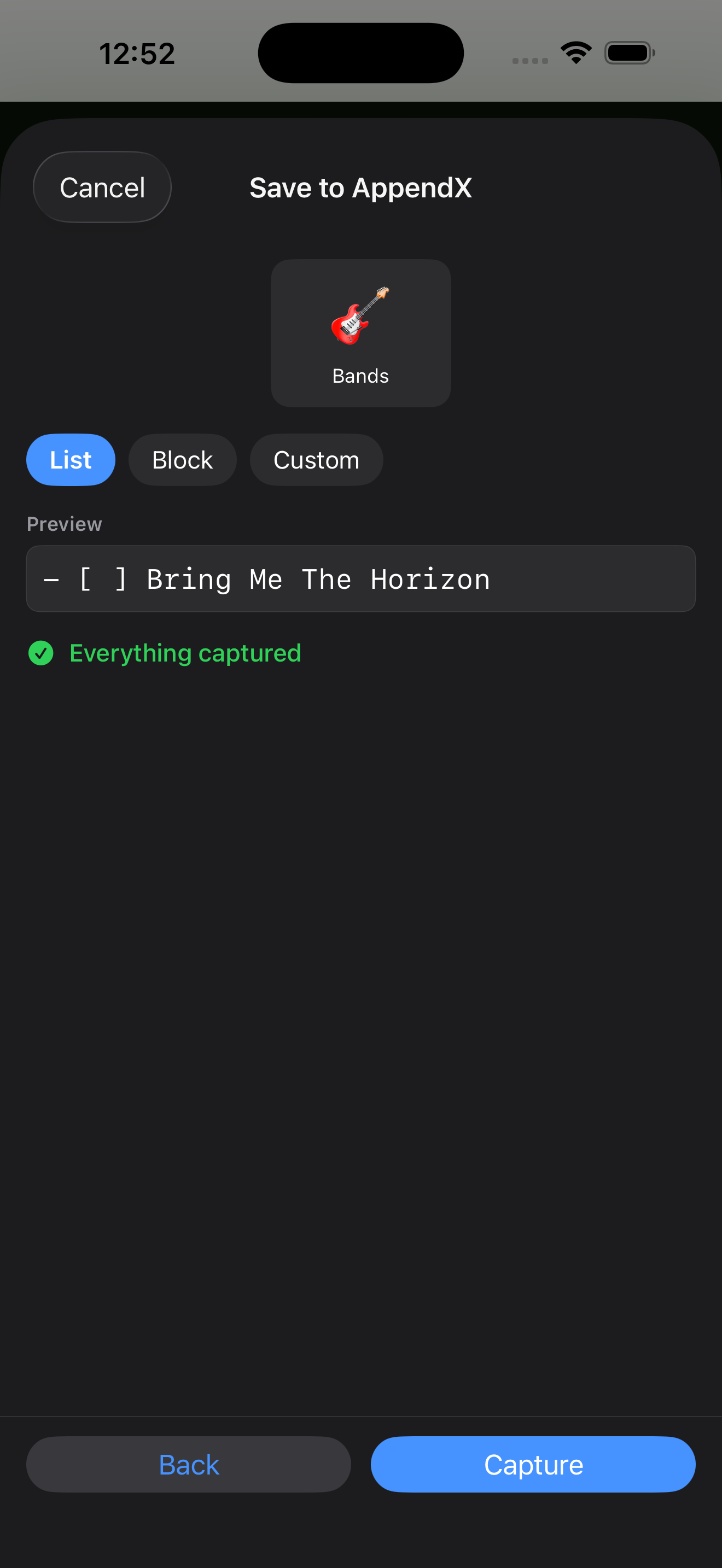
- List — a single line whose content adapts to whatever was shared:
selected text, else
[title](url), else a bare URL. Optional checkbox and date. - Block — every field present on its own line. Never drops data. Optional separators and date.
- Custom — a token format string (
{{url}},{{title}},{{text}},{{date}},{{time}}) with a live preview.
The share sheet renders the actual captured content through the selected container before you commit, and names anything being dropped — with its value — rather than asserting a summary.
Normalization
iOS apps hand share extensions wildly inconsistent payloads. AppendX runs a normalization layer built from a corpus of 25 apps’ real share data:
Field meaning is resolved at extraction, where the source host is known — no
plain-text attachment means attributedContentText is a title; a plain-text
attachment means it’s the user’s selection; apple.news is a documented
exception where the plain-text is always the article title and the selection
arrives URL-encoded in a query parameter.
Value cleaning is a five-step pipeline: promote a URL out of a text field when
an app puts it in the wrong place, decode the Apple News highlight parameter,
resolve file:// paths to filenames, strip tracking and challenge parameters
(utm_*, wprov, hs_amp, Reddit’s bot-challenge tokens) preferring non-AMP
URLs, and trim whitespace.
The research behind this is written up separately: What iOS Shares, with the raw corpus as a gist.
Paste as Markdown
UIPasteboard carries public.html when you copy from a browser. The share
sheet doesn’t — every app in the corpus flattens rich text before handing it
off. So the capture view reads the clipboard’s HTML directly and converts it:
bold stays bold, inline links stay links. Citation and footnote links are
dropped, and brackets in link text are escaped so [1] can’t be misparsed as an
Obsidian wikilink.
Icon suggestions
Typing a target name suggests emoji: “Bird Watching” offers 🦅 🪶 🔭, “Mushroom
Foraging” offers 🍄 🌲 🧺. Implemented on-device with NLTagger noun extraction
against a curated keyword map with family-bucket fallbacks, plus input
sanitization so _inbox.md and 00-books still match. An API call would have
been less code, but this is instant, works offline, and costs nothing to run.
Stack
Swift · SwiftUI · SwiftData · App Groups · NSFileCoordinator · StoreKit 2 ·
NaturalLanguage · UniformTypeIdentifiers · Icon Composer (Liquid Glass) ·
Astro (marketing site)
A Typical Workflow
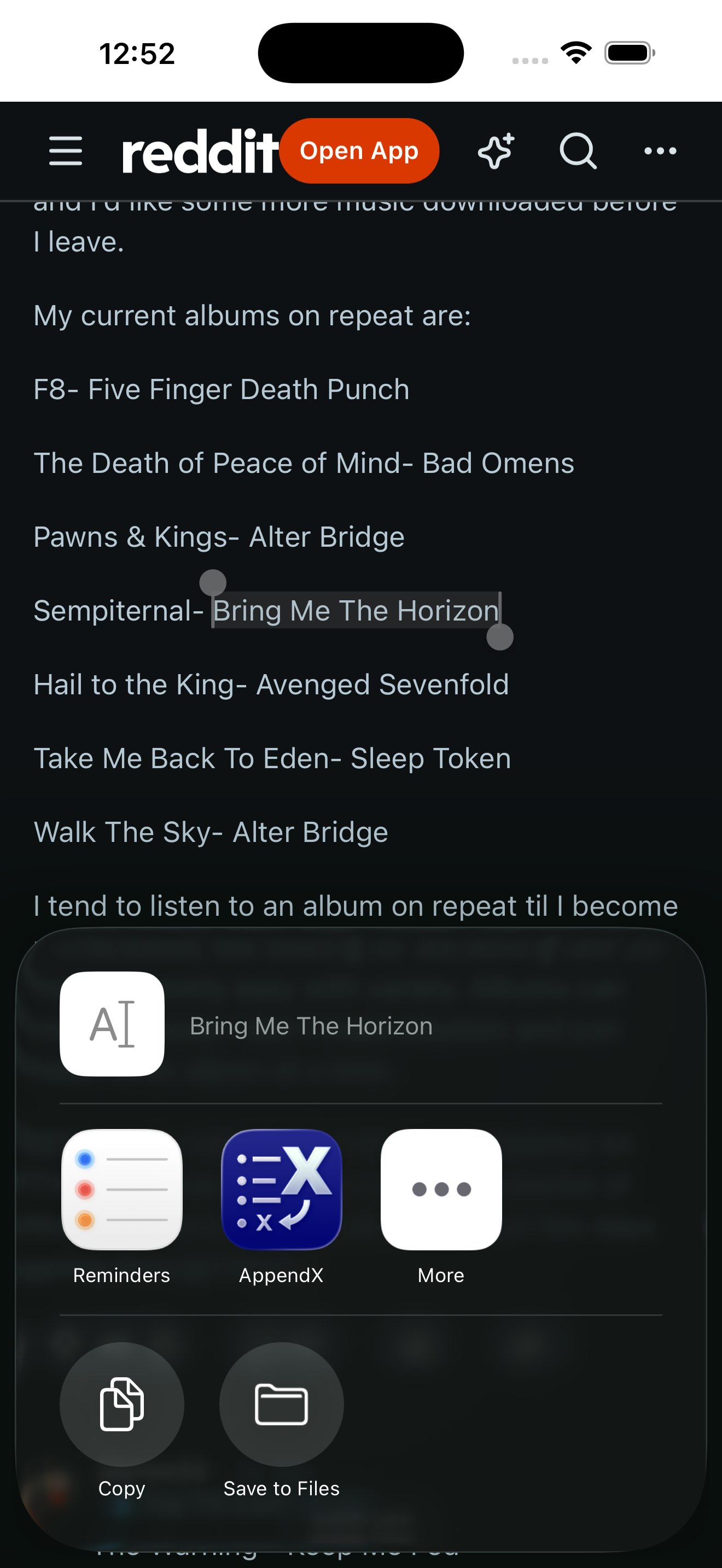
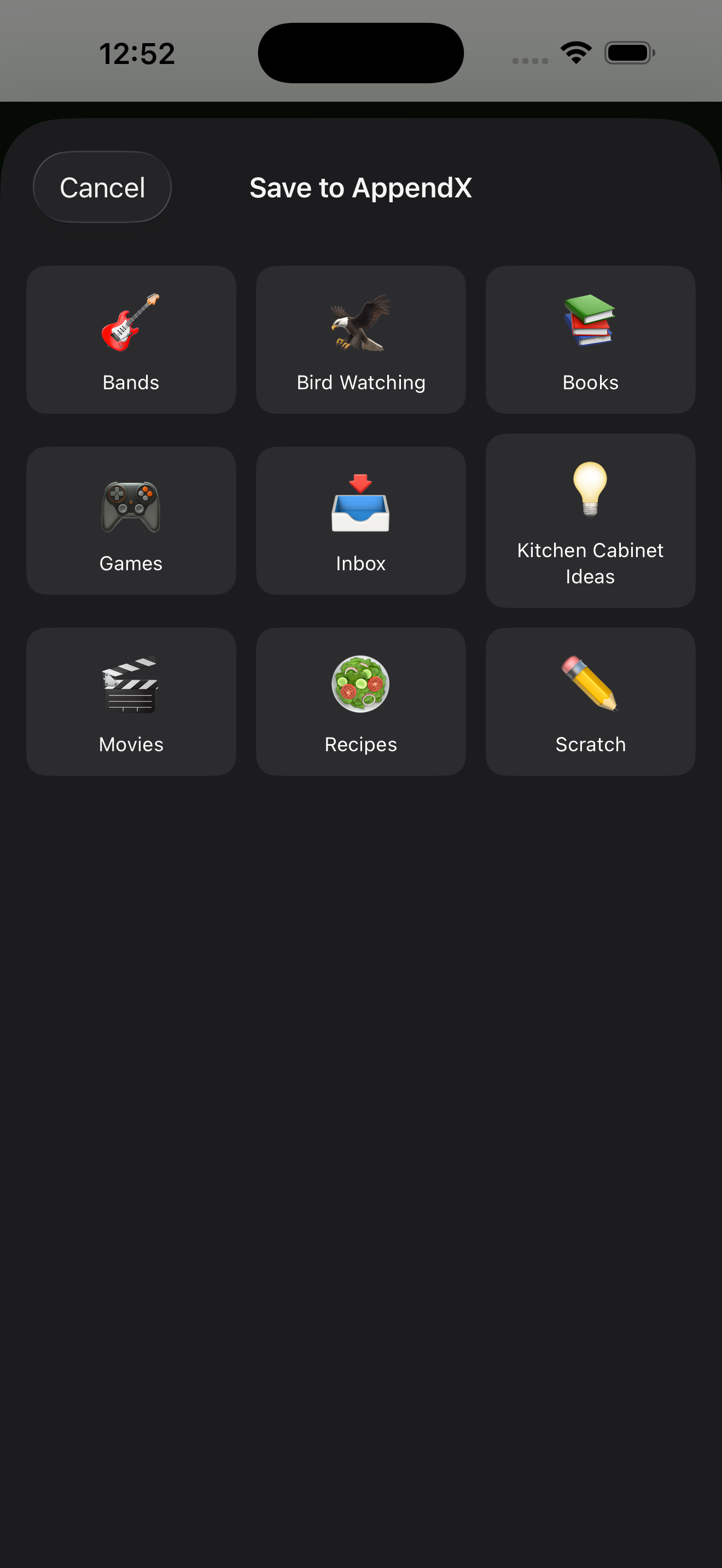
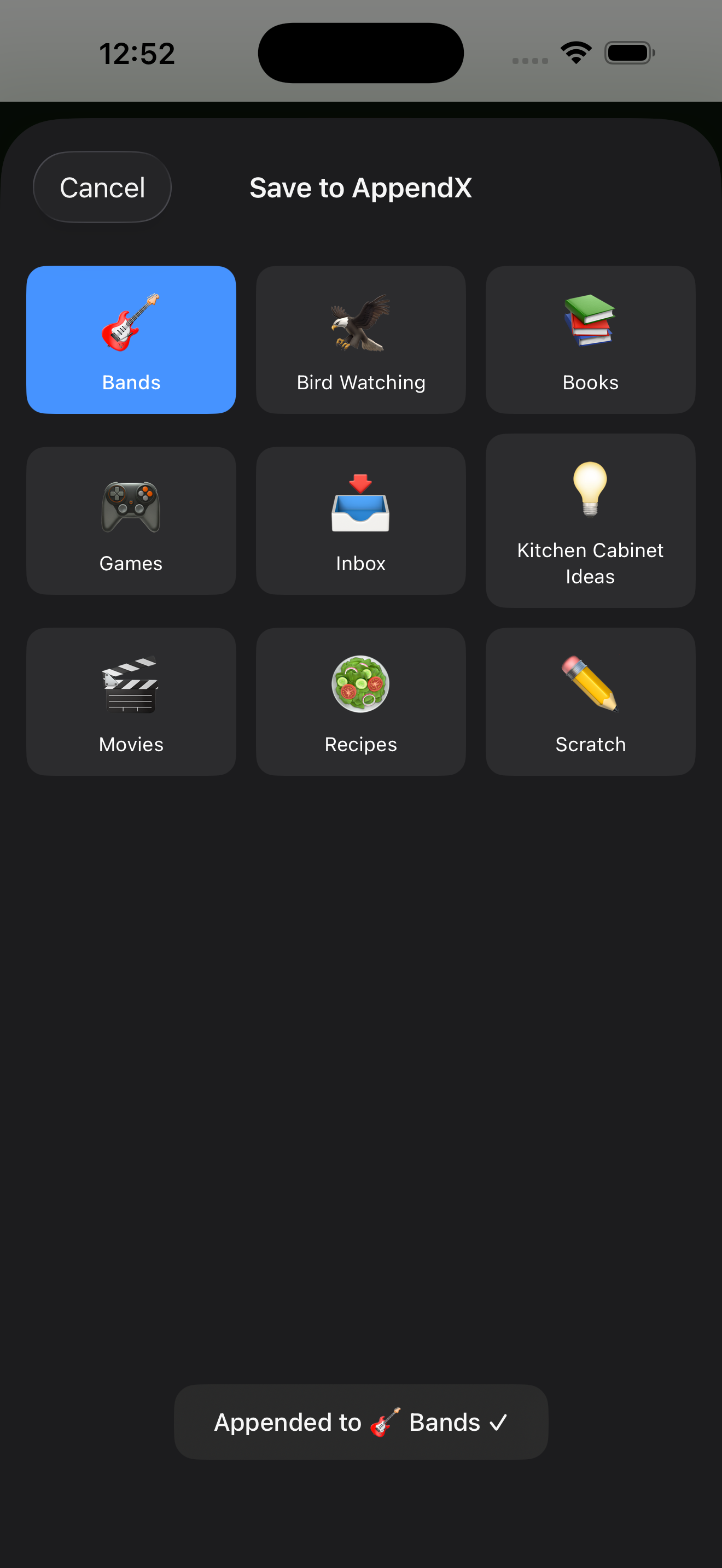
Here’s an example of capturing the name of a band from a Reddit post through to a bands.md file.